How do I setup to my QuietComfort Earbuds?
For the best experience, download and install the QCE app from your mobile device's app store and follow the instructions.
How do I connect my QuietComfort Earbuds to my Bluetooth device?
You can do this through the QCE app. Alternatively, touch and hold either earbud for 4 seconds until you hear "Ready to pair" > Go to Bluetooth settings on your device > Select the earbuds.
How can I update my QuietComfort Earbuds?
When an update is available, a message displays in the QCE app on the product control screen. To begin the update, tap the message and follow the app instructions.
How do I reset my QuietComfort Earbuds?
Touch and hold each earbud for 15 seconds until you hear a tone. The earbuds will power off. Then hold each earbud for 1 second to power them on.
Please note: Each earbud must be powered on/off individually.
Can I restore my QuietComfort Earbuds to factory settings?
Yes. Delete the earbuds from your device's Bluetooth list. Then touch and hold the right earbud for 7 seconds until you hear "Ready to pair" followed by a tone. Release when you hear the tone. The earbuds are now in their original out-of-box state.


From the manufacturer
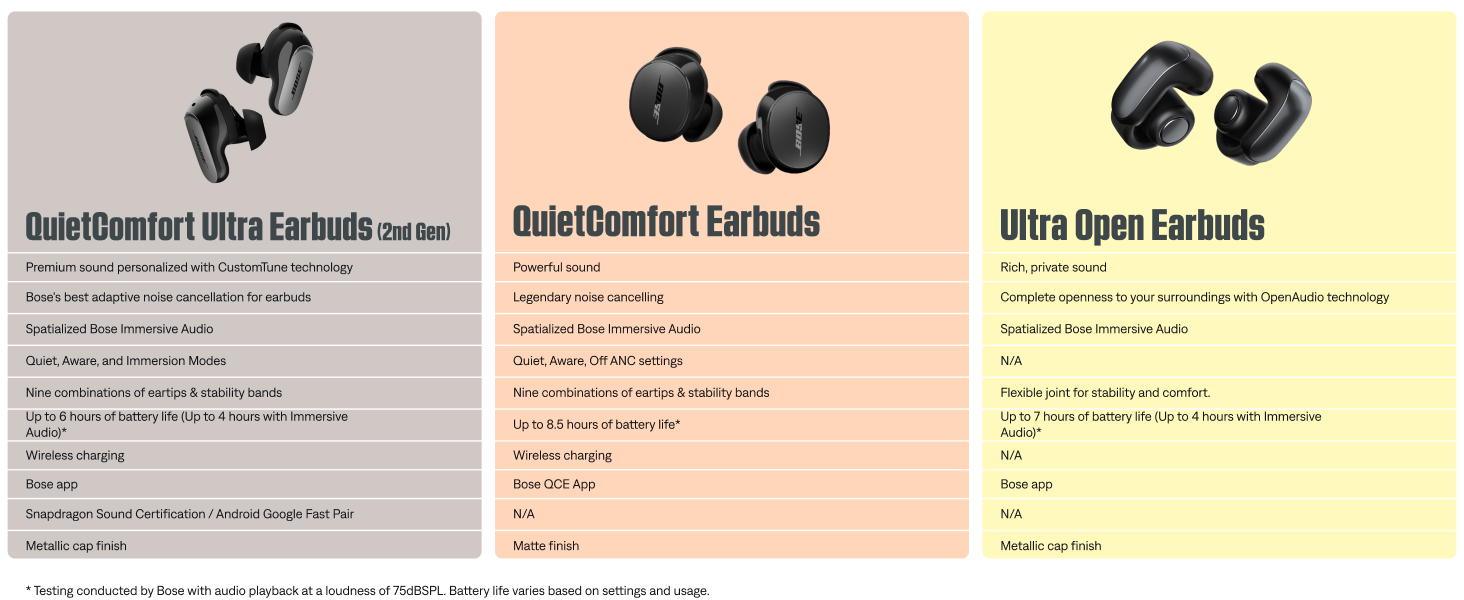
QuietComfort Earbuds
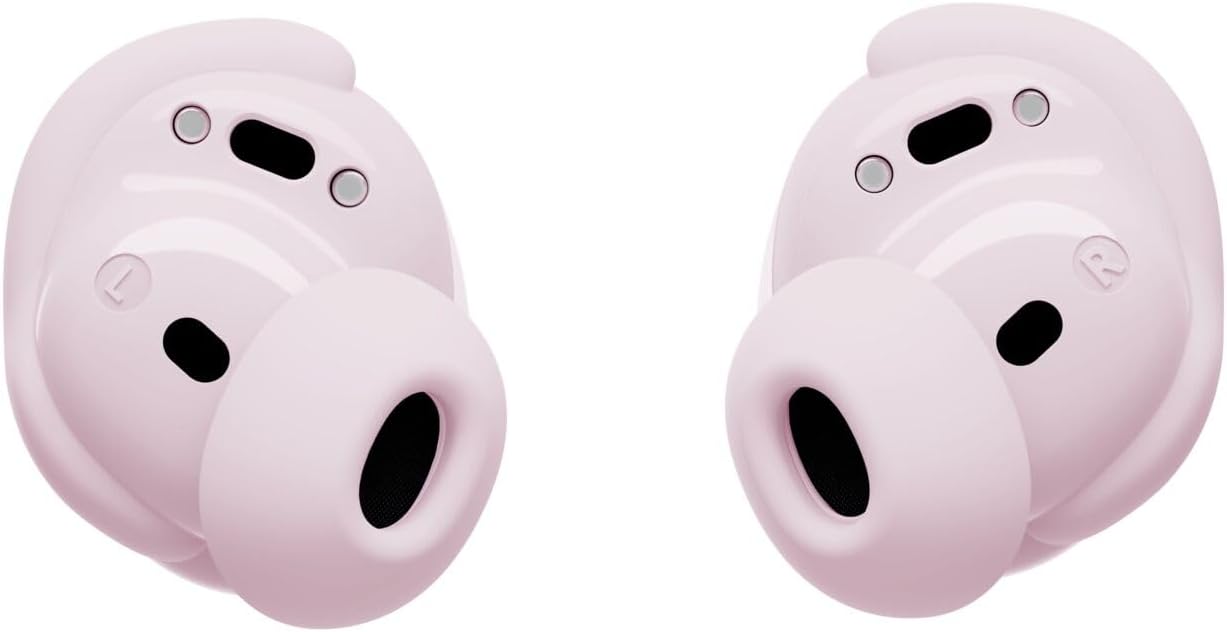
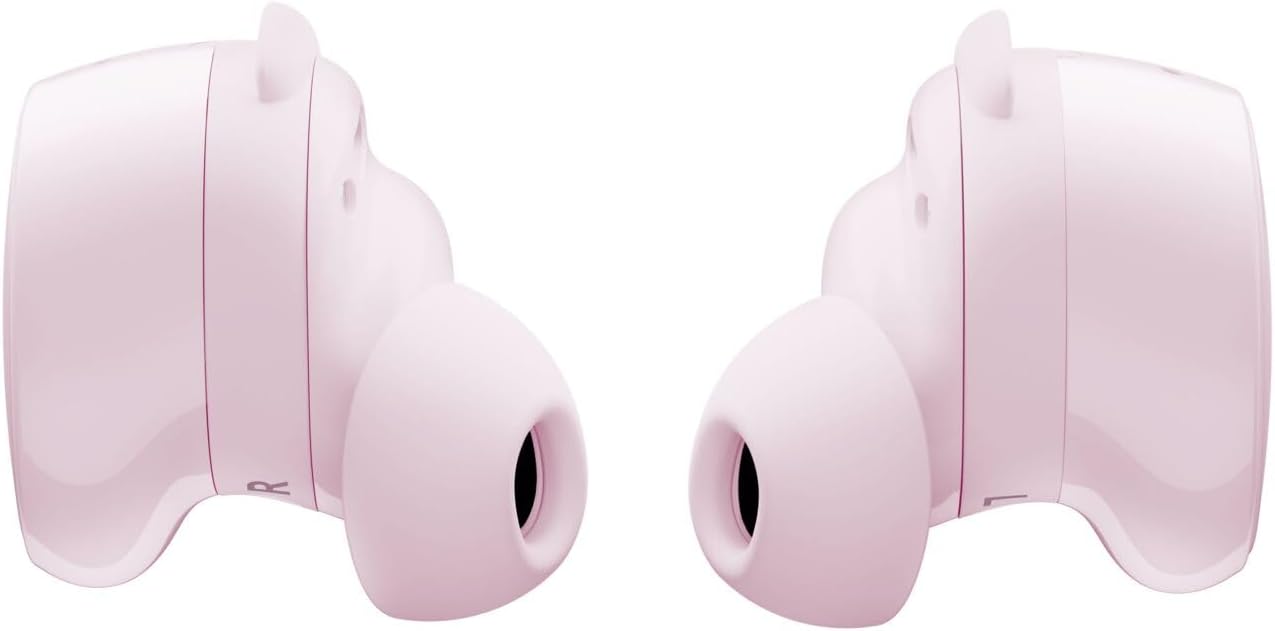
Make the everyday sound epic with the QuietComfort Wireless Noise Cancelling Earbuds. Tune out the bad and focus on the good with legendary noise cancellation that consistently and effectively blocks out your surroundings using these everyday earbuds with built-in active noise cancellation. With up to 8.5 hours of staying power* and an IPX4 rating that makes these wireless earbuds water and sweat-resistent, carpe the darn diem with sound that’s powerful, not precious. These Bluetooth noise cancelling earbuds make it seamless to switch between all your favorite devices like your phone, laptop, and more using advanced Bluetooth 5.3 connectivity that keeps you connected up to 30 feet away. Plus, the included wireless charging case holds up to 2.5 additional charges**, with a quick 20-minute charge of the Bluetooth earbuds giving you up to 2 hours of additional play time***. With these active noise cancelling earbuds, you get nine combinations of eartips and stability band sizes to find the best fit. Personalize your noise cancelling earphones even further using the QuietComfort Earbuds app. Easily tune the high quality earbuds to your favorite EQ settings, switch between ANC settings, customize a shortcut, check battery levels, and manage connected devices all from within the app. *Testing conducted by with audio playback at a loudness of 75dBSPL. Battery life varies based on settings and usage. **Testing conducted by by inserting battery-depleted earbuds into a fully charged case, charging to 100% (or until the case battery was depleted), playing audio at a loudness of 75dBSPL until earbud battery depletion, and repeating until case battery depletion. ***Testing conducted by by inserting battery-depleted earbuds into a fully charged case and charging earbuds for 20 minutes, then resuming audio playback at a loudness of 75dBSPL. Battery life varies based on settings and usage.
Product Description
Visit the Store

From the brand





![Magnetic Guard Designed for iPhone 17 Pro Max Case [Camera Protection] [Military Grade Drop Tested] [Compatible with MagSafe] Slim Translucent Matte Phone Case (6.9") - Purple](https://m.media-amazon.com/images/I/71GT2p9A3UL._AC_SY300_SX300_QL70_FMwebp_.jpg)


